Introduction
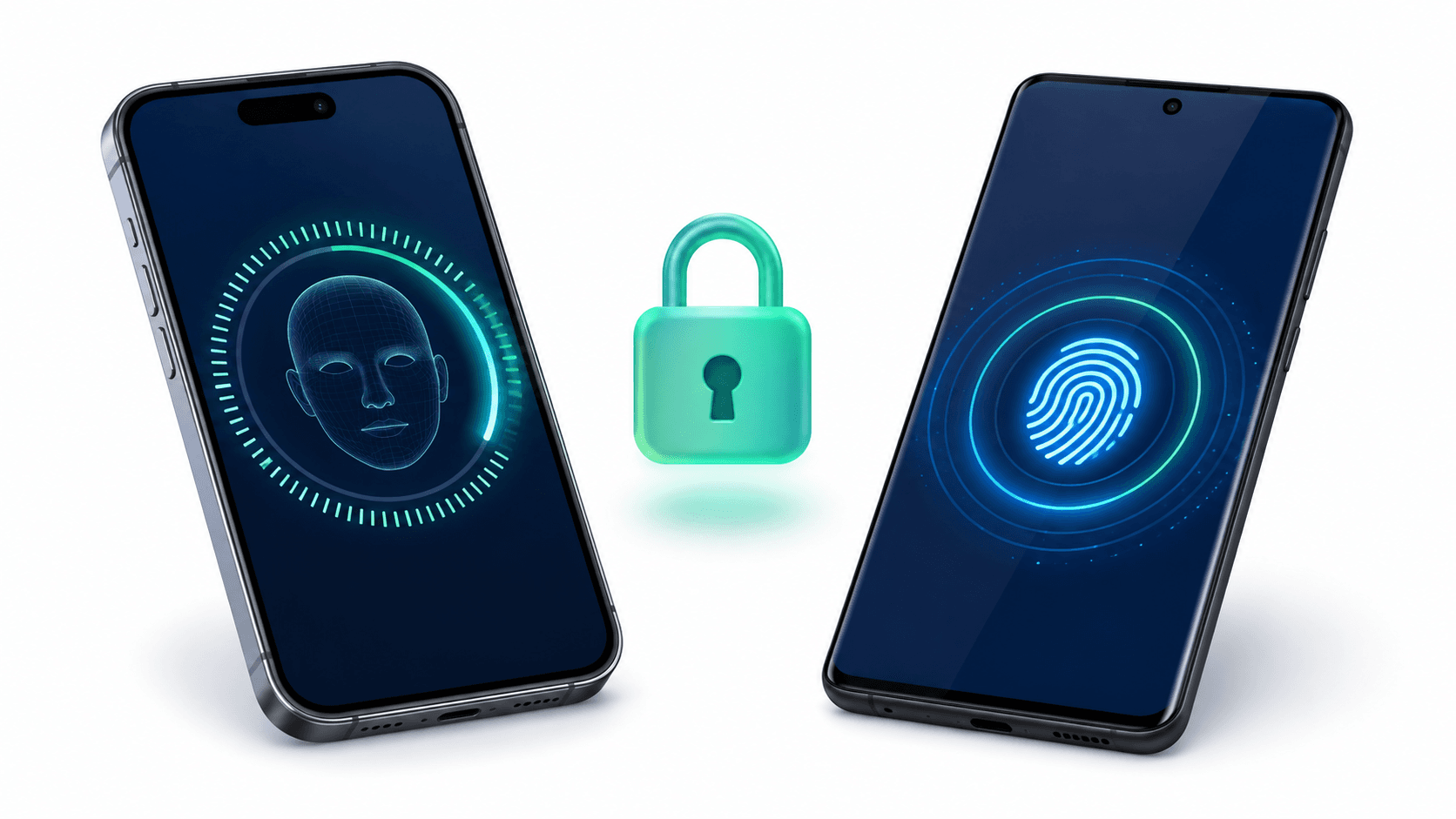
Biometric authentication - Face ID on iPhone, fingerprint on Android - has become a baseline expectation for any production mobile app. Users expect to unlock their banking app, rewards app, or any app with sensitive data using their face or fingerprint rather than typing a PIN every time.
But there is a common misconception among Flutter developers about how this works under the hood.
Flutter does not control Face ID or fingerprint scanning. Your Flutter app does not see the user's face data, does not process the fingerprint scan, and does not manage any biometric credentials. The operating system owns all of that. Your app simply asks the OS to authenticate the user and waits for a success or failure result.
This is a deliberate security design. Apple's Secure Enclave and Android's Trusted Execution Environment store and process all biometric data in isolated hardware. No app - not even a malicious one - can intercept or read that data.
What Flutter (and the local_auth package) does is provide a clean Dart API to initiate the OS-level authentication prompt and receive the result.
I have implemented this pattern in multiple production apps including BeesApp (Android) - where Face ID and fingerprint are used as the primary login method for returning users. This guide covers the exact implementation I use.
How Biometric Auth Works: The Full Flow
User taps "Login with Face ID / Fingerprint"
           |
           v
App checks: Does this device support biometrics?
           |
           v
App checks: What biometrics are enrolled? (Face ID / Fingerprint / Both)
           |
           v
App calls: local_auth.authenticate()
           |
           v
OS shows native biometric prompt (Face ID sheet / Fingerprint dialog)
           |
           v
User authenticates (scans face / touches sensor)
           |
           v
OS returns: success or failure to the app
           |
           v
On success: read stored auth token from flutter_secure_storage
           and proceed to the home screen
The app never sees biometric data. It only receives a boolean: authenticated or not.
Dependencies Setup
# pubspec.yaml
dependencies:
  local_auth: ^2.3.0
  flutter_secure_storage: ^9.2.2
iOS Configuration
Add usage description strings to ios/Runner/Info.plist:
<key>NSFaceIDUsageDescription</key>
<string>Use Face ID to securely access your account</string>
No other iOS changes needed. local_auth handles Touch ID and Face ID automatically.
Android Configuration
Update android/app/src/main/AndroidManifest.xml:
<manifest xmlns:android="http://schemas.android.com/apk/res/android">
    <!-- Required for biometric authentication -->
    <uses-permission android:name="android.permission.USE_BIOMETRIC" />

    <application ...>
        <activity
            android:name=".MainActivity"
            ...>
            <!-- Required: change FlutterActivity to FlutterFragmentActivity -->
        </activity>
    </application>
</manifest>
Update android/app/src/main/kotlin/.../MainActivity.kt:
// IMPORTANT: must extend FlutterFragmentActivity, NOT FlutterActivity
import io.flutter.embedding.android.FlutterFragmentActivity

class MainActivity : FlutterFragmentActivity()
This is a common gotcha - local_auth requires FlutterFragmentActivity on Android to show the biometric bottom sheet. Using FlutterActivity will cause a crash.
The BiometricAuthService
Create a dedicated service class that encapsulates all biometric logic. This keeps authentication concerns completely separate from your UI:
// lib/core/services/biometric/biometric_auth_service.dart
import 'package:local_auth/local_auth.dart';
import 'package:local_auth/error_codes.dart' as auth_error;
import 'package:flutter_secure_storage/flutter_secure_storage.dart';
import 'package:flutter/services.dart';

class BiometricAuthService {
  final LocalAuthentication _localAuth = LocalAuthentication();

  static const _storage = FlutterSecureStorage(
    aOptions: AndroidOptions(encryptedSharedPreferences: true),
    iOptions: IOSOptions(accessibility: KeychainAccessibility.first_unlock),
  );

  static const _biometricEnabledKey = 'biometric_enabled';
  static const _userTokenKey = 'user_token';

  /// Check if this device supports biometric authentication at all
  Future<bool> isDeviceSupported() async {
    return await _localAuth.isDeviceSupported();
  }

  /// Check if biometrics are enrolled on this device
  /// (user has set up Face ID or fingerprint in Settings)
  Future<bool> canCheckBiometrics() async {
    return await _localAuth.canCheckBiometrics;
  }

  /// Get the list of available biometric types on this device
  Future<List<BiometricType>> getAvailableBiometrics() async {
    return await _localAuth.getAvailableBiometrics();
  }

  /// Check if this device has Face ID specifically
  Future<bool> hasFaceId() async {
    final biometrics = await getAvailableBiometrics();
    return biometrics.contains(BiometricType.face);
  }

  /// Check if this device has fingerprint/Touch ID
  Future<bool> hasFingerprint() async {
    final biometrics = await getAvailableBiometrics();
    return biometrics.contains(BiometricType.fingerprint);
  }

  /// Check if user has enabled biometric login in this app's settings
  Future<bool> isBiometricEnabled() async {
    final value = await _storage.read(key: _biometricEnabledKey);
    return value == 'true';
  }

  /// Save user's preference to use biometric login
  Future<void> setBiometricEnabled(bool enabled) async {
    await _storage.write(
      key: _biometricEnabledKey,
      value: enabled.toString(),
    );
  }

  /// Authenticate using biometrics.
  /// Returns [BiometricResult] with success status and error info.
  Future<BiometricResult> authenticate({
    String reason = 'Verify your identity to continue',
  }) async {
    try {
      final isSupported = await isDeviceSupported();
      if (!isSupported) {
        return BiometricResult.failure(
          reason: BiometricFailureReason.notSupported,
          message: 'This device does not support biometric authentication.',
        );
      }

      final canCheck = await canCheckBiometrics();
      if (!canCheck) {
        return BiometricResult.failure(
          reason: BiometricFailureReason.notEnrolled,
          message: 'No biometrics enrolled. Please set up Face ID or fingerprint in Settings.',
        );
      }

      final authenticated = await _localAuth.authenticate(
        localizedReason: reason,
        options: const AuthenticationOptions(
          stickyAuth: true,    // Keep prompt open if user switches apps
          biometricOnly: true, // Don't fall back to PIN/password
          useErrorDialogs: true,
        ),
      );

      if (authenticated) {
        return BiometricResult.success();
      }

      return BiometricResult.failure(
        reason: BiometricFailureReason.failed,
        message: 'Authentication failed. Please try again.',
      );
    } on PlatformException catch (e) {
      return _handlePlatformException(e);
    } catch (e) {
      return BiometricResult.failure(
        reason: BiometricFailureReason.unknown,
        message: 'An unexpected error occurred.',
      );
    }
  }

  BiometricResult _handlePlatformException(PlatformException e) {
    switch (e.code) {
      case auth_error.notAvailable:
        return BiometricResult.failure(
          reason: BiometricFailureReason.notSupported,
          message: 'Biometric authentication is not available on this device.',
        );
      case auth_error.notEnrolled:
        return BiometricResult.failure(
          reason: BiometricFailureReason.notEnrolled,
          message: 'No biometrics enrolled. Please set up Face ID or fingerprint in Settings.',
        );
      case auth_error.lockedOut:
        return BiometricResult.failure(
          reason: BiometricFailureReason.lockedOut,
          message: 'Too many failed attempts. Biometrics are temporarily locked.',
        );
      case auth_error.permanentlyLockedOut:
        return BiometricResult.failure(
          reason: BiometricFailureReason.permanentlyLockedOut,
          message: 'Biometrics are locked. Please use your device passcode to unlock.',
        );
      default:
        return BiometricResult.failure(
          reason: BiometricFailureReason.unknown,
          message: e.message ?? 'Authentication failed.',
        );
    }
  }

  /// Store the user's auth token securely for biometric login
  Future<void> storeTokenForBiometricLogin(String token) async {
    await _storage.write(key: _userTokenKey, value: token);
  }

  /// Retrieve the stored auth token after successful biometric authentication
  Future<String?> getStoredToken() async {
    return await _storage.read(key: _userTokenKey);
  }

  /// Clear all stored biometric data (on logout)
  Future<void> clearBiometricData() async {
    await _storage.deleteAll();
  }
}

// Result type for clean error handling
class BiometricResult {
  final bool isSuccess;
  final BiometricFailureReason? failureReason;
  final String? errorMessage;

  BiometricResult._({
    required this.isSuccess,
    this.failureReason,
    this.errorMessage,
  });

  factory BiometricResult.success() => BiometricResult._(isSuccess: true);

  factory BiometricResult.failure({
    required BiometricFailureReason reason,
    required String message,
  }) => BiometricResult._(
    isSuccess: false,
    failureReason: reason,
    errorMessage: message,
  );
}

enum BiometricFailureReason {
  notSupported,
  notEnrolled,
  failed,
  lockedOut,
  permanentlyLockedOut,
  unknown,
}
Integrating Biometric Auth into Your Login Flow
Step 1: After a Successful Password Login, Offer to Enable Biometrics
// lib/features/auth/presentation/providers/auth_provider.dart
class AuthProvider extends ChangeNotifier {
  final BiometricAuthService _biometricService = BiometricAuthService();

  Future<void> loginWithPassword(String email, String password) async {
    // ... perform normal login
    final token = await _apiClient.login(email, password);

    // Store token securely for future biometric logins
    await _biometricService.storeTokenForBiometricLogin(token);

    // Prompt user to enable biometric for next time
    final canUseBiometrics = await _biometricService.canCheckBiometrics();
    if (canUseBiometrics) {
      _shouldPromptBiometricSetup = true;
      notifyListeners();
    }
  }
}
Step 2: Biometric Login on Returning Users
Future<void> loginWithBiometrics() async {
  final biometricService = BiometricAuthService();

  // Check if user has enabled biometric login
  final isEnabled = await biometricService.isBiometricEnabled();
  if (!isEnabled) return;

  // Authenticate
  final result = await biometricService.authenticate(
    reason: 'Login to your account',
  );

  if (result.isSuccess) {
    // Retrieve the stored token
    final token = await biometricService.getStoredToken();
    if (token != null) {
      // Use token to restore authenticated session
      await _sessionService.restoreSession(token);
      _navigateToHome();
    }
  } else {
    // Handle specific failure reasons
    switch (result.failureReason) {
      case BiometricFailureReason.notEnrolled:
        _showMessage('Please set up Face ID or Fingerprint in Settings.');
        break;
      case BiometricFailureReason.lockedOut:
        _showMessage('Too many attempts. Please try again later.');
        break;
      default:
        _showMessage(result.errorMessage ?? 'Authentication failed.');
    }
  }
}
Biometric Setup Toggle UI
class BiometricSettingsTile extends StatefulWidget {
  const BiometricSettingsTile({super.key});

  @override
  State<BiometricSettingsTile> createState() => _BiometricSettingsTileState();
}

class _BiometricSettingsTileState extends State<BiometricSettingsTile> {
  final _service = BiometricAuthService();
  bool _isEnabled = false;
  bool _isSupported = false;
  String _biometricLabel = 'Biometric Login';

  @override
  void initState() {
    super.initState();
    _loadState();
  }

  Future<void> _loadState() async {
    final supported = await _service.canCheckBiometrics();
    final enabled = await _service.isBiometricEnabled();
    final hasFace = await _service.hasFaceId();

    setState(() {
      _isSupported = supported;
      _isEnabled = enabled;
      _biometricLabel = hasFace ? 'Face ID Login' : 'Fingerprint Login';
    });
  }

  Future<void> _toggleBiometric(bool value) async {
    if (value) {
      // Verify biometrics before enabling to confirm device supports it
      final result = await _service.authenticate(
        reason: 'Verify your identity to enable biometric login',
      );
      if (!result.isSuccess) return;
    }

    await _service.setBiometricEnabled(value);
    setState(() => _isEnabled = value);
  }

  @override
  Widget build(BuildContext context) {
    if (!_isSupported) return const SizedBox.shrink();

    return SwitchListTile(
      title: Text(_biometricLabel),
      subtitle: const Text('Use biometrics to log in quickly and securely'),
      value: _isEnabled,
      onChanged: _toggleBiometric,
      secondary: const Icon(Icons.fingerprint),
    );
  }
}
Auto-Trigger Biometrics on App Launch
A polished UX triggers biometric authentication automatically when a returning user opens the app, rather than showing a login screen with an extra button to tap:
// lib/app/screens/splash_screen.dart
class SplashScreen extends StatefulWidget {
  const SplashScreen({super.key});

  @override
  State<SplashScreen> createState() => _SplashScreenState();
}

class _SplashScreenState extends State<SplashScreen> {
  final _biometricService = BiometricAuthService();

  @override
  void initState() {
    super.initState();
    _handleAuth();
  }

  Future<void> _handleAuth() async {
    await Future.delayed(const Duration(milliseconds: 500)); // Let splash render

    final biometricEnabled = await _biometricService.isBiometricEnabled();
    final storedToken = await _biometricService.getStoredToken();

    if (biometricEnabled && storedToken != null) {
      // Returning user with biometrics enabled - authenticate immediately
      final result = await _biometricService.authenticate(
        reason: 'Login to your account',
      );

      if (result.isSuccess && mounted) {
        Navigator.pushReplacement(context, MaterialPageRoute(
          builder: (_) => const HomeScreen(),
        ));
        return;
      }
    }

    // No biometrics or auth failed - go to login screen
    if (mounted) {
      Navigator.pushReplacement(context, MaterialPageRoute(
        builder: (_) => const LoginScreen(),
      ));
    }
  }

  @override
  Widget build(BuildContext context) {
    return const Scaffold(
      body: Center(child: CircularProgressIndicator()),
    );
  }
}
Security Best Practices
Do store in flutter_secure_storage:
- Auth tokens for biometric session restoration
- The user's biometric preference flag
Do not store:
- Passwords (ever - not even encrypted)
- Biometric data (the OS handles this - your app never sees it)
- Sensitive user PII in shared preferences or SQLite without encryption
Always:
- Clear stored biometric data on logout (
biometricService.clearBiometricData()) - Handle
lockedOutandpermanentlyLockedOutstates - these require the user to use their device PIN - Test on a real device - biometrics do not work in simulators/emulators reliably
iOS vs Android: Key Differences
| Feature | iOS | Android |
|---|---|---|
| Face biometric | Face ID (Secure Enclave) | Face unlock (varies by manufacturer) |
| Touch biometric | Touch ID | Fingerprint sensor |
| Prompt UI | Native iOS sheet | Material bottom sheet |
| Required setup | NSFaceIDUsageDescription in Info.plist | USE_BIOMETRIC permission in Manifest |
| Required base class | Any FlutterActivity | FlutterFragmentActivity |
| Fallback to passcode | Controlled by biometricOnly option | Controlled by biometricOnly option |
Conclusion
Biometric authentication in Flutter is simpler than most developers expect, once you understand the key insight: your app delegates everything to the OS. You do not process Face ID. You do not read fingerprint data. You ask, the OS authenticates, and you receive a result.
The local_auth package wraps that OS call cleanly, and flutter_secure_storage gives you an encrypted place to store the user token that gets retrieved after a successful biometric prompt.
The full flow - check support, check enrollment, authenticate, retrieve token, restore session - is production-tested in apps like BeesApp where Face ID is used as the primary login method for returning users. It is fast, it is secure by design, and users love it.
The most important things to get right:
- Use
FlutterFragmentActivityon Android (the most common gotcha) - Never store passwords - only store tokens for session restoration
- Handle all failure states including locked out
- Clear everything on logout
Need to implement secure biometrics or user authentication in your app? I build secure authentication systems with Face ID, fingerprint scanning, and encrypted secure storage integrations for high-security applications. Book a meeting to secure your mobile app.
Written by Moeen Ahmad, Senior Software Engineer working across mobile apps, backend systems, cloud deployments, and AI-powered products. I write about practical engineering, real project lessons, and building software that actually ships.
Interested in working together?
Let's discuss your project and explore how I can help bring it to life.