Introduction
There is a ceiling to what Flutter can do on its own. Flutter gives you a beautiful, fast, cross-platform UI layer. But when you need system-level Android access - reading another app's screen content, dispatching native swipe gestures, monitoring foreground processes, or intercepting broadcast events - you have to go native.
This is a lesson I learned firsthand while building a TikTok Content Filter App as a client prototype. The concept: monitor TikTok's feed in real time, detect keywords in video captions, and automatically swipe to skip matching content - all within milliseconds, without the user having to do anything.
Flutter alone cannot do this. TikTok's screen is not your app's screen. Reading it requires Android's Accessibility Service, which only Kotlin (or Java) can access. But abandoning Flutter entirely would mean re-building the entire UI in native Android.
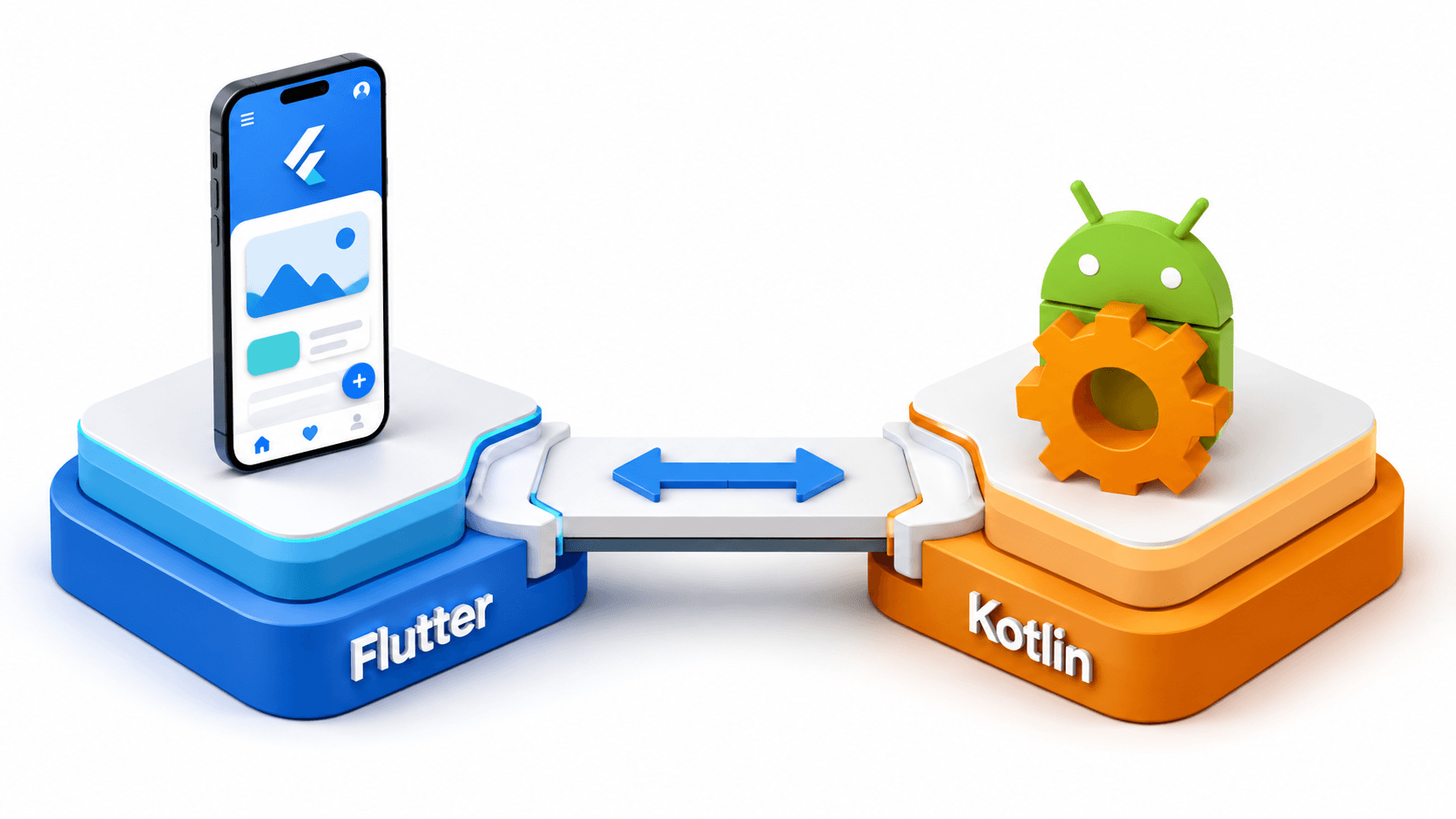
The solution is a hybrid architecture: Flutter owns the UI and local database, Kotlin owns the native system layer, and Platform Channels bridge the two sides together.
This blog breaks down exactly how that architecture works, the code that powers it, and the engineering decisions that made the prototype ship fast.
Project Reference: TikTok Content Filter App
A fully working Android prototype built as a client demo, demonstrating hybrid Flutter/Kotlin architecture with real-time screen monitoring and gesture automation.
The Architecture: Flutter UI + Kotlin Native
Flutter Layer (UI + Database)
    |
    | MethodChannel  (Flutter -> Android)
    | EventChannel   (Android -> Flutter, streaming)
    |
Kotlin Layer (Accessibility Service)
    |
    | AccessibilityNodeInfo API
    |
TikTok's View Tree (Other App's Screen)
    |
    | GestureDescription API
    |
Screen Swipe (Skip Video)
The Flutter layer handles:
- User interface: keyword management, filter toggles, real-time event log
- Local SQLite database: storing keywords with upvote/downvote preference scores
- Receiving live detection events from Kotlin via
EventChannel - Sending commands (enable/disable filter, update keywords) to Kotlin via
MethodChannel
The Kotlin layer handles:
- Android Accessibility Service: hooks into the system to monitor any app's view tree
- Recursive node traversal: walks through TikTok's entire UI tree to extract caption text
- Keyword matching: compares extracted text against the user's filter list
- Gesture dispatch: programmatically swipes the screen using
GestureDescriptionAPI - Debouncing: 2-second window to prevent duplicate triggers on the same video
Understanding Platform Channels
Flutter communicates with native Android code through Platform Channels. There are three types:
| Channel Type | Direction | Use Case |
|---|---|---|
MethodChannel | Bidirectional (request/response) | One-time calls: enable service, fetch status |
EventChannel | Android to Flutter (stream) | Continuous data: real-time detection events |
BasicMessageChannel | Bidirectional (custom codec) | Custom serialization formats |
For this project we use both MethodChannel and EventChannel.
Step 1: Kotlin - Setting Up the Accessibility Service
Create the Accessibility Service in Kotlin. This is the core of the entire system:
// android/app/src/main/kotlin/com/yourapp/TikTokFilterService.kt
import android.accessibilityservice.AccessibilityService
import android.accessibilityservice.GestureDescription
import android.graphics.Path
import android.view.accessibility.AccessibilityEvent
import android.view.accessibility.AccessibilityNodeInfo
import io.flutter.embedding.engine.FlutterEngine
import io.flutter.plugin.common.EventChannel

class TikTokFilterService : AccessibilityService() {

    companion object {
        const val TIKTOK_PACKAGE = "com.zhiliaoapp.musically" // TikTok's package name
        private const val DEBOUNCE_WINDOW_MS = 2000L
        var eventSink: EventChannel.EventSink? = null
    }

    private var lastSkippedTime = 0L
    private var activeKeywords = listOf<String>()

    override fun onAccessibilityEvent(event: AccessibilityEvent?) {
        if (event == null) return
        if (event.packageName?.toString() != TIKTOK_PACKAGE) return

        // Only process content changes - when new video loads
        if (event.eventType != AccessibilityEvent.TYPE_WINDOW_CONTENT_CHANGED) return

        val now = System.currentTimeMillis()
        if (now - lastSkippedTime < DEBOUNCE_WINDOW_MS) return // Smart debouncing

        val rootNode = rootInActiveWindow ?: return
        val captionText = extractAllText(rootNode)

        val matchedKeyword = activeKeywords.firstOrNull { keyword ->
            captionText.contains(keyword, ignoreCase = true)
        }

        if (matchedKeyword != null) {
            lastSkippedTime = now
            dispatchSwipeUp()

            // Stream the detection event back to Flutter
            eventSink?.success(mapOf(
                "keyword" to matchedKeyword,
                "caption" to captionText.take(100),
                "timestamp" to now
            ))
        }
    }

    // Recursive view tree traversal to extract ALL text from TikTok's UI
    private fun extractAllText(node: AccessibilityNodeInfo?): String {
        if (node == null) return ""

        val text = StringBuilder()

        // Extract text from this node
        node.text?.let { text.append(it).append(" ") }
        node.contentDescription?.let { text.append(it).append(" ") }

        // Recursively extract from all child nodes
        for (i in 0 until node.childCount) {
            text.append(extractAllText(node.getChild(i)))
        }

        return text.toString()
    }

    // Dispatch a native swipe-up gesture using Android's GestureDescription API
    private fun dispatchSwipeUp() {
        val displayMetrics = resources.displayMetrics
        val screenWidth = displayMetrics.widthPixels.toFloat()
        val screenHeight = displayMetrics.heightPixels.toFloat()

        val path = Path().apply {
            moveTo(screenWidth / 2f, screenHeight * 0.7f)
            lineTo(screenWidth / 2f, screenHeight * 0.3f)
        }

        val gesture = GestureDescription.Builder()
            .addStroke(GestureDescription.StrokeDescription(path, 0, 300))
            .build()

        dispatchGesture(gesture, null, null)
    }

    override fun onInterrupt() {}
}
Register the service in AndroidManifest.xml:
<service
    android:name=".TikTokFilterService"
    android:permission="android.permission.BIND_ACCESSIBILITY_SERVICE"
    android:exported="true">
    <intent-filter>
        <action android:name="android.accessibilityservice.AccessibilityService" />
    </intent-filter>
    <meta-data
        android:name="android.accessibilityservice"
        android:resource="@xml/accessibility_service_config" />
</service>
Create res/xml/accessibility_service_config.xml:
<accessibility-service
    xmlns:android="http://schemas.android.com/apk/res/android"
    android:accessibilityEventTypes="typeWindowContentChanged|typeViewScrolled"
    android:accessibilityFeedbackType="feedbackGeneric"
    android:accessibilityFlags="flagReportViewIds|flagRetrieveInteractiveWindows"
    android:canRetrieveWindowContent="true"
    android:canPerformGestures="true"
    android:packageNames="com.zhiliaoapp.musically"
    android:notificationTimeout="100" />
Step 2: Kotlin - Setting Up Platform Channels in MainActivity
// android/app/src/main/kotlin/com/yourapp/MainActivity.kt
import io.flutter.embedding.android.FlutterActivity
import io.flutter.embedding.engine.FlutterEngine
import io.flutter.plugin.common.EventChannel
import io.flutter.plugin.common.MethodChannel
import android.content.Intent
import android.provider.Settings

class MainActivity : FlutterActivity() {

    private val METHOD_CHANNEL = "com.yourapp/filter_control"
    private val EVENT_CHANNEL = "com.yourapp/filter_events"

    override fun configureFlutterEngine(flutterEngine: FlutterEngine) {
        super.configureFlutterEngine(flutterEngine)

        // MethodChannel: handles one-time Flutter -> Android calls
        MethodChannel(flutterEngine.dartExecutor.binaryMessenger, METHOD_CHANNEL)
            .setMethodCallHandler { call, result ->
                when (call.method) {
                    "openAccessibilitySettings" -> {
                        val intent = Intent(Settings.ACTION_ACCESSIBILITY_SETTINGS)
                        startActivity(intent)
                        result.success(true)
                    }
                    "isServiceEnabled" -> {
                        result.success(isAccessibilityServiceEnabled())
                    }
                    "updateKeywords" -> {
                        val keywords = call.argument<List<String>>("keywords") ?: emptyList()
                        TikTokFilterService.activeKeywords = keywords
                        result.success(true)
                    }
                    else -> result.notImplemented()
                }
            }

        // EventChannel: streams real-time detection events from Android -> Flutter
        EventChannel(flutterEngine.dartExecutor.binaryMessenger, EVENT_CHANNEL)
            .setStreamHandler(object : EventChannel.StreamHandler {
                override fun onListen(arguments: Any?, events: EventChannel.EventSink?) {
                    TikTokFilterService.eventSink = events
                }
                override fun onCancel(arguments: Any?) {
                    TikTokFilterService.eventSink = null
                }
            })
    }

    private fun isAccessibilityServiceEnabled(): Boolean {
        val enabledServices = Settings.Secure.getString(
            contentResolver,
            Settings.Secure.ENABLED_ACCESSIBILITY_SERVICES
        ) ?: return false
        return enabledServices.contains(packageName)
    }
}
Step 3: Flutter - Calling Native Methods and Listening to Events
Create a clean Flutter service class that wraps both channels:
// lib/features/filter/services/filter_bridge_service.dart
import 'package:flutter/services.dart';

class FilterBridgeService {
  static const _methodChannel = MethodChannel('com.yourapp/filter_control');
  static const _eventChannel = EventChannel('com.yourapp/filter_events');

  /// Open Android Accessibility Settings so user can enable the service
  Future<void> openAccessibilitySettings() async {
    await _methodChannel.invokeMethod('openAccessibilitySettings');
  }

  /// Check if the Accessibility Service is currently active
  Future<bool> isServiceEnabled() async {
    return await _methodChannel.invokeMethod<bool>('isServiceEnabled') ?? false;
  }

  /// Push updated keyword list to the native layer
  Future<void> updateKeywords(List<String> keywords) async {
    await _methodChannel.invokeMethod('updateKeywords', {'keywords': keywords});
  }

  /// Stream of real-time detection events from the native Accessibility Service
  Stream<FilterDetectionEvent> get detectionEvents {
    return _eventChannel.receiveBroadcastStream().map((event) {
      final data = Map<String, dynamic>.from(event as Map);
      return FilterDetectionEvent(
        keyword: data['keyword'] as String,
        caption: data['caption'] as String,
        timestamp: DateTime.fromMillisecondsSinceEpoch(data['timestamp'] as int),
      );
    });
  }
}

class FilterDetectionEvent {
  final String keyword;
  final String caption;
  final DateTime timestamp;

  FilterDetectionEvent({
    required this.keyword,
    required this.caption,
    required this.timestamp,
  });
}
Step 4: Flutter - Real-Time Event Log UI
// lib/features/filter/presentation/screens/filter_home_screen.dart
import 'package:flutter/material.dart';
import '../services/filter_bridge_service.dart';

class FilterHomeScreen extends StatefulWidget {
  const FilterHomeScreen({super.key});

  @override
  State<FilterHomeScreen> createState() => _FilterHomeScreenState();
}

class _FilterHomeScreenState extends State<FilterHomeScreen> {
  final _bridge = FilterBridgeService();
  final List<FilterDetectionEvent> _detectionLog = [];
  bool _isServiceEnabled = false;

  @override
  void initState() {
    super.initState();
    _checkServiceStatus();

    // Listen to real-time detection events from Kotlin
    _bridge.detectionEvents.listen((event) {
      setState(() {
        _detectionLog.insert(0, event); // Most recent first
      });
    });
  }

  Future<void> _checkServiceStatus() async {
    final enabled = await _bridge.isServiceEnabled();
    setState(() => _isServiceEnabled = enabled);
  }

  @override
  Widget build(BuildContext context) {
    return Scaffold(
      appBar: AppBar(title: const Text('TikTok Content Filter')),
      body: Column(
        children: [
          // Service status banner
          Container(
            width: double.infinity,
            color: _isServiceEnabled ? Colors.green.shade100 : Colors.red.shade100,
            padding: const EdgeInsets.all(12),
            child: Row(
              children: [
                Icon(
                  _isServiceEnabled ? Icons.check_circle : Icons.warning,
                  color: _isServiceEnabled ? Colors.green : Colors.red,
                ),
                const SizedBox(width: 8),
                Text(
                  _isServiceEnabled
                      ? 'Filter Service Active'
                      : 'Accessibility Service Not Enabled',
                  style: const TextStyle(fontWeight: FontWeight.w600),
                ),
                if (!_isServiceEnabled) ...[
                  const Spacer(),
                  TextButton(
                    onPressed: _bridge.openAccessibilitySettings,
                    child: const Text('Enable'),
                  ),
                ],
              ],
            ),
          ),

          // Real-time detection log
          Expanded(
            child: ListView.builder(
              itemCount: _detectionLog.length,
              itemBuilder: (context, index) {
                final event = _detectionLog[index];
                return ListTile(
                  leading: const Icon(Icons.skip_next, color: Colors.orange),
                  title: Text('Skipped: "${event.keyword}"'),
                  subtitle: Text(event.caption),
                  trailing: Text(
                    '${event.timestamp.hour}:${event.timestamp.minute}',
                    style: const TextStyle(fontSize: 11, color: Colors.grey),
                  ),
                );
              },
            ),
          ),
        ],
      ),
    );
  }
}
Preference Learning with SQLite
The app also tracks upvote/downvote scores per keyword to learn user preferences over time. This is stored in a local SQLite database managed from the Flutter side:
// lib/features/filter/data/keyword_repository.dart
import 'package:sqflite/sqflite.dart';

class KeywordRepository {
  Database? _db;

  Future<Database> get database async {
    _db ??= await openDatabase(
      'filter_keywords.db',
      version: 1,
      onCreate: (db, version) {
        return db.execute('''
          CREATE TABLE keywords (
            id INTEGER PRIMARY KEY AUTOINCREMENT,
            keyword TEXT NOT NULL UNIQUE,
            upvotes INTEGER DEFAULT 0,
            downvotes INTEGER DEFAULT 0,
            is_active INTEGER DEFAULT 1
          )
        ''');
      },
    );
    return _db!;
  }

  Future<void> upvoteKeyword(String keyword) async {
    final db = await database;
    await db.rawUpdate(
      'UPDATE keywords SET upvotes = upvotes + 1 WHERE keyword = ?',
      [keyword],
    );
  }

  Future<List<String>> getActiveKeywords() async {
    final db = await database;
    final results = await db.query(
      'keywords',
      where: 'is_active = 1',
      orderBy: 'upvotes DESC',
    );
    return results.map((row) => row['keyword'] as String).toList();
  }
}
Key Engineering Lessons
This project taught me something important that I carry into every Flutter project:
Flutter gives you velocity. Native gives you depth. Knowing when to combine them is the real skill.
Most Flutter developers treat the platform as the limit of what their app can do. But Android's full API surface - Accessibility Services, Broadcast Receivers, foreground services, Camera2, BLE, NFC - is all available to you through Platform Channels. The bridge is not complex. The key is knowing when to cross it.
| Decision | Reasoning |
|---|---|
| Flutter for UI | Fast development, beautiful UI, local database via sqflite |
| Kotlin for Accessibility | Only native code can bind the Accessibility Service |
| EventChannel for detection | Real-time stream suits continuous monitoring better than polling |
| MethodChannel for control | One-time commands (enable, update keywords) suit request/response |
| 2-second debounce | Prevents duplicate skips when TikTok re-renders the same video content |
Conclusion
Building hybrid Flutter/Kotlin apps is not about abandoning cross-platform development. It is about being disciplined enough to know where each layer belongs, and skilled enough to build the bridge between them cleanly.
The TikTok Content Filter project is a strong demonstration of this: Flutter handles everything the user sees and configures. Kotlin handles everything that requires system-level access. The Platform Channel contract between them is minimal, well-defined, and testable.
If you are building Flutter apps and have never written a MethodChannel or EventChannel, I strongly encourage you to explore it. The moment you realize you can reach into the full Android and iOS APIs from Flutter, the ceiling on what you can build disappears.
The full source code is available on GitHub.
Need to build advanced native features in your Flutter app? I write custom platform channels, Kotlin plugins, and native integration layers to bridge system APIs, Accessibility Services, and low-level hardware directly into Flutter. Book a meeting to discuss native integrations.
Written by Moeen Ahmad, Senior Software Engineer working across mobile apps, backend systems, cloud deployments, and AI-powered products. I write about practical engineering, real project lessons, and building software that actually ships.
Interested in working together?
Let's discuss your project and explore how I can help bring it to life.