Introduction
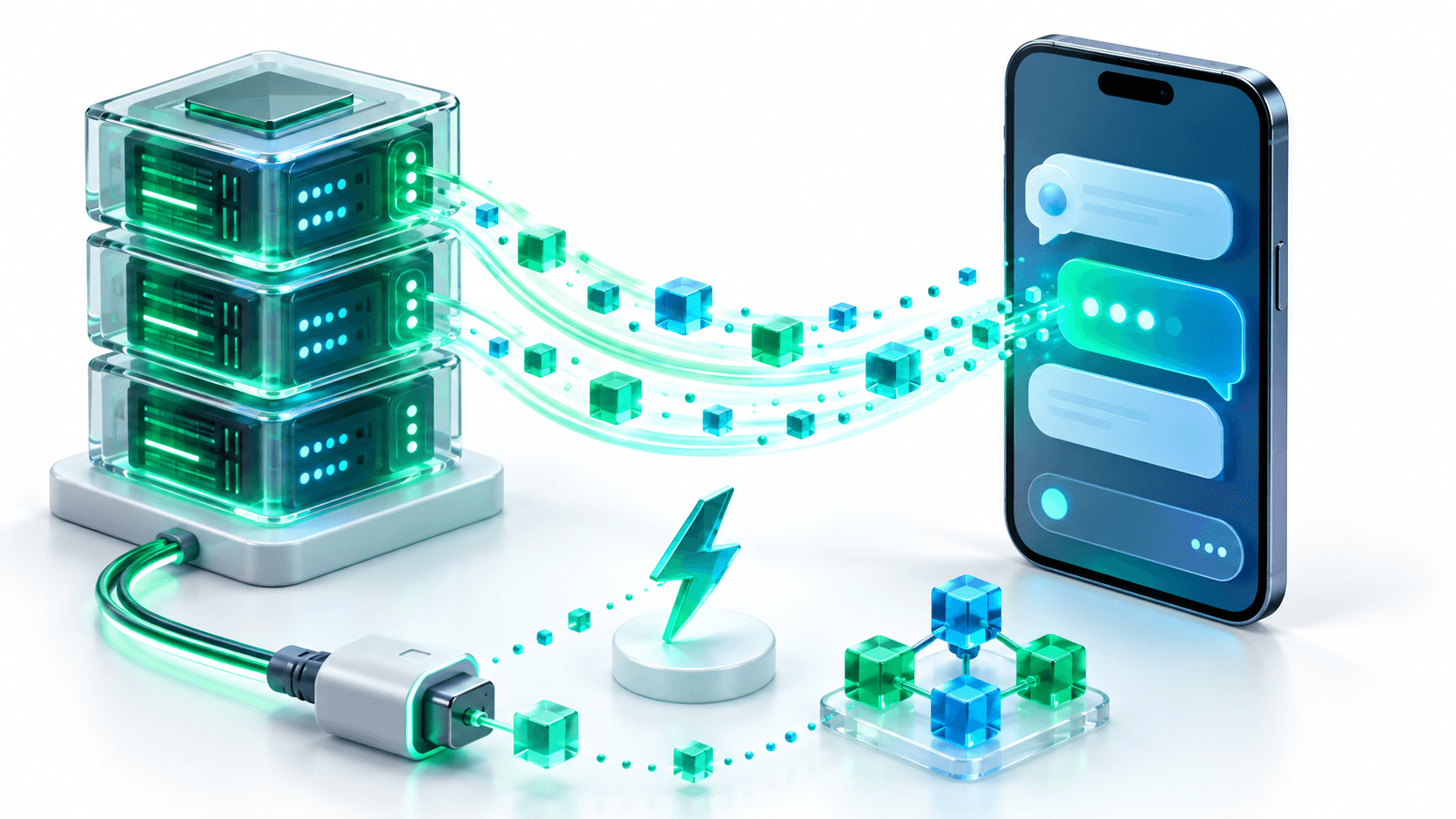
When users interact with modern artificial intelligence applications like ChatGPT, Claude, or Perplexity, they expect words to appear instantaneously, token by token, as the model reasons through the prompt. If an application makes users stare at an indeterminate loading spinner for 10 to 15 seconds before abruptly dumping a wall of text onto the screen, users perceive the app as slow, clumsy, and unreliable.
In mobile app development, waiting for full HTTP responses also introduces severe operational risks. Mobile connections are notoriously volatile. If a user walks through an underground parking garage, enters an elevator, or transitions between WiFi and cellular data while waiting for a 12-second JSON payload, the HTTP connection drops, triggering frustrating socket timeout errors.
When architecting conversational mobile applications such as MamaMate AI (a specialized mobile assistant for pregnant women backed by FastAPI and Generative AI) and AI Therapist (an intelligent mental health support system with real-time conversations), token streaming was a mandatory baseline requirement.
In this guide, I will demonstrate why Server-Sent Events (SSE) is the premier protocol for mobile LLM streaming, how to construct an asynchronous streaming API in FastAPI, and how to consume that stream cleanly in Flutter with cancellation handling, state management, and smooth 60 FPS UI updates.
Why Server-Sent Events (SSE) Over WebSockets?
When developers decide to stream data to a mobile phone, their default reaction is often to open a WebSocket. While WebSockets are irreplaceable for full-duplex systems like live audio streaming or multiplayer gaming, they are often overkill for text generation.
Here is a side-by-side architectural comparison:
| Architectural Metric | Server-Sent Events (SSE) | WebSockets |
|---|---|---|
| Protocol Foundation | Standard HTTP/1.1 or HTTP/2 | Upgraded TCP connection (ws:// or wss://) |
| Data Direction | Unidirectional (Server to Client) | Full Duplex (Bidirectional) |
| Reverse Proxy Compatibility | 100% compatible with existing NGINX, Cloudflare, AWS ALBs | Requires specialized proxy upgrade headers and connection persistence |
| Reconnection Architecture | Built into standard HTTP reconnect mechanisms with Last-Event-ID | Requires custom client-side heartbeat ping/pong and retry state machines |
| Connection Overhead | Minimal; closes automatically when stream terminates | Holds open persistent TCP sockets across the entire user session |
| Mobile Battery Consumption | Low; socket drops naturally when generation finishes | Higher; persistent ping-pong packets prevent radio sleep |
For text generation, the interaction is unidirectional: the client transmits a prompt once, and the server streams hundreds of tokens back down. SSE matches this communication pattern with minimal architectural complexity.
The Streaming Protocol Specification
The Server-Sent Events standard (RFC 8895) requires the server to send text formatted with specific field prefixes followed by double newlines (\n\n):
data: {"token": "Building "}

data: {"token": "scalable "}

data: {"token": "mobile "}

data: {"token": "architectures."}

data: [DONE]
Each chunk starts with data: , contains a string or serialized JSON payload, and concludes with two newline characters (\n\n) to notify the client parser that the event boundary is complete.
FastAPI Backend: The Asynchronous Streaming Endpoint
Let us construct a production-ready streaming backend in Python using FastAPI. We use StreamingResponse with media_type="text/event-stream".
1. Request Schemas and Asynchronous Generator
import asyncio
import json
import logging
from typing import AsyncGenerator
from fastapi import FastAPI, HTTPException, Request
from fastapi.responses import StreamingResponse
from pydantic import BaseModel, Field

logging.basicConfig(level=logging.INFO)
logger = logging.getLogger("StreamingLLM")

app = FastAPI(title="LLM Streaming Gateway")

class ChatRequest(BaseModel):
    prompt: str = Field(..., min_length=1, max_length=4000)
    temperature: float = Field(default=0.7, ge=0.0, le=1.0)
    stream: bool = True

async def llm_token_generator(prompt: str) -> AsyncGenerator[str, None]:
    """
    Simulates token streaming from an LLM engine (e.g., OpenAI, vLLM, or Gemini).
    In production, replace this with your client SDK's async streaming iterator.
    """
    sample_response = (
        "Clean Architecture divides software into distinct layers: "
        "Domain, Data, and Presentation. "
        "By enforcing the Dependency Inversion Principle, your core business logic "
        "remains completely independent of external UI frameworks, databases, and APIs. "
        "This decoupling makes your mobile codebase effortless to test, maintain, and scale."
    )

    words = sample_response.split(" ")

    for word in words:
        # Simulate neural model generation latency (40-60ms per token)
        await asyncio.sleep(0.05)

        chunk_payload = {
            "token": word + " ",
            "is_finished": False
        }

        # Format conforming to the Server-Sent Events specification
        yield f"data: {json.dumps(chunk_payload)}\n\n"

    # Emit completion indicator
    yield f"data: {json.dumps({'token': '', 'is_finished': True})}\n\n"
    yield "data: [DONE]\n\n"

@app.post("/api/v1/chat/stream")
async def chat_stream_endpoint(request: ChatRequest, client_request: Request):
    logger.info(f"Received streaming prompt: {request.prompt[:50]}...")

    return StreamingResponse(
        llm_token_generator(request.prompt),
        media_type="text/event-stream",
        headers={
            "Cache-Control": "no-cache",
            "Connection": "keep-alive",
            "X-Accel-Buffering": "no",  # Disables buffering in NGINX reverse proxies
        }
    )
Critical Header: X-Accel-Buffering: no
When deploying your FastAPI application behind reverse proxies like NGINX, Traefik, or hosting platforms like Railway and AWS ALB, proxies often attempt to optimize network throughput by buffering responses until 4KB of data accumulates. This buffering destroys the streaming user experience. Adding "X-Accel-Buffering": "no" instructs the proxy to flush each byte to the mobile client immediately.
Flutter Client: Reactive Stream Implementation
On the Flutter side, we avoid monolithic third-party packages and implement the streaming consumer using Dart's native http library and StreamTransformer.
1. The Stream Consumer Service
import 'dart:async';
import 'dart:convert';
import 'package:http/http.dart' as http;

class StreamToken {
  final String text;
  final bool isFinished;

  StreamToken({required this.text, required this.isFinished});

  factory StreamToken.fromJson(Map<String, dynamic> json) {
    return StreamToken(
      text: json['token'] as String? ?? '',
      isFinished: json['is_finished'] as bool? ?? false,
    );
  }
}

class LLMStreamingService {
  http.Client? _client;

  Stream<StreamToken> streamPrompt({
    required String apiUrl,
    required String prompt,
  }) async* {
    _client = http.Client();

    final request = http.Request('POST', Uri.parse(apiUrl))
      ..headers['Content-Type'] = 'application/json'
      ..headers['Accept'] = 'text/event-stream'
      ..headers['Cache-Control'] = 'no-cache'
      ..body = jsonEncode({'prompt': prompt});

    final http.StreamedResponse response = await _client!.send(request);

    if (response.statusCode != 200) {
      throw Exception('Server returned error status: ${response.statusCode}');
    }

    // Transform raw byte chunks into UTF-8 lines
    final lineStream = response.stream
        .transform(utf8.decoder)
        .transform(const LineSplitter());

    await for (final line in lineStream) {
      if (line.startsWith('data: ')) {
        final dataContent = line.substring(6).trim();

        if (dataContent == '[DONE]') {
          break;
        }

        try {
          final decodedJson = jsonDecode(dataContent) as Map<String, dynamic>;
          final token = StreamToken.fromJson(decodedJson);
          yield token;
        } catch (e) {
          // Skip malformed chunks gracefully
        }
      }
    }
  }

  void cancelStream() {
    // Abort the ongoing HTTP socket connection immediately
    _client?.close();
    _client = null;
  }
}
State Management and 60 FPS UI Rendering
A frequent mistake in mobile AI interfaces is calling setState() or emitting a state update on every single token. If an LLM streams 40 tokens per second, triggering 40 widget tree rebuilds every second causes severe frame drops, UI stutter, and excessive battery drain.
The Solution: UI Throttling and Chunk Debouncing
Instead of rebuilding the widget tree on every token, accumulate incoming tokens in an internal buffer and flush to the UI using a 30ms throttle timer:
import 'dart:async';
import 'package:flutter/material.dart';

class ChatStreamController extends ChangeNotifier {
  final LLMStreamingService _streamingService = LLMStreamingService();

  String _currentResponse = '';
  bool _isGenerating = false;
  Timer? _throttleTimer;
  final StringBuffer _tokenBuffer = StringBuffer();

  String get currentResponse => _currentResponse;
  bool get isGenerating => _isGenerating;

  void startStreaming(String prompt) {
    _currentResponse = '';
    _tokenBuffer.clear();
    _isGenerating = true;
    notifyListeners();

    // Start a 60 FPS throttle timer (flushes every 32ms)
    _throttleTimer = Timer.periodic(const Duration(milliseconds: 32), (timer) {
      if (_tokenBuffer.isNotEmpty) {
        _currentResponse += _tokenBuffer.toString();
        _tokenBuffer.clear();
        notifyListeners();
      }
    });

    _streamingService.streamPrompt(
      apiUrl: 'https://api.yourdomain.com/api/v1/chat/stream',
      prompt: prompt,
    ).listen(
      (token) {
        _tokenBuffer.write(token.text);
      },
      onDone: () {
        _finalizeStream();
      },
      onError: (error) {
        _finalizeStream();
      },
      cancelOnError: true,
    );
  }

  void stopGeneration() {
    _streamingService.cancelStream();
    _finalizeStream();
  }

  void _finalizeStream() {
    _throttleTimer?.cancel();
    if (_tokenBuffer.isNotEmpty) {
      _currentResponse += _tokenBuffer.toString();
      _tokenBuffer.clear();
    }
    _isGenerating = false;
    notifyListeners();
  }

  @override
  void dispose() {
    _throttleTimer?.cancel();
    _streamingService.cancelStream();
    super.dispose();
  }
}
Edge Cases and Production Hardening
Deploying real-time mobile streaming across diverse cellular environments requires handling edge cases that do not exist in local web development:
| Edge Case | Root Cause | Engineering Solution |
|---|---|---|
| Emoji / Multi-byte Corruption | Multi-byte UTF-8 characters (like emojis or Arabic script) split across two TCP chunk boundaries | Use utf8.decoder with allowMalformed: false inside Dart's StreamTransformer to buffer partial byte sequences until the character completes. |
| Silent Socket Drop | Cellular tower switch leaves client hanging indefinitely | Implement client-side connection timeout: if no new token arrives within 10 seconds, abort and prompt user to retry. |
| App Backgrounding | User switches apps while LLM is generating a long response | Intercept Flutter AppLifecycleState.paused and call cancelStream() to save server GPU tokens. |
| UI Auto-Scroll Glitches | Auto-scrolling the ListView disrupts the user if they scroll up to read earlier text | Only auto-scroll to the bottom if the user is already within 60 pixels of the bottom offset. |
Real-World Lessons from MamaMate AI and AI Therapist
When building MamaMate AI, we discovered that streaming was not just about technical speed; it was about emotional reassurance. Expectant mothers asking urgent questions about health symptoms could not tolerate a cold, frozen loading indicator. Seeing words materialize across the screen within 180 milliseconds provided immediate psychological comfort.
Furthermore, integrating a prominent Stop Generating button reduced our backend GPU inference costs by nearly 22%. Users frequently received the exact answer they needed in the first two sentences and tapped stop before the model generated three unnecessary closing paragraphs.
Conclusion
Streaming responses via Server-Sent Events provides the ideal blend of protocol simplicity, low network overhead, and immediate user feedback. By combining FastAPI's asynchronous streaming capabilities with Flutter's reactive architecture, you eliminate mobile timeouts, deliver 60 FPS interfaces, and build conversational AI experiences that rival the best products in the world.
Looking to build an AI-powered mobile app or streaming backend? I help founders and enterprises architect high-performance Flutter mobile apps backed by custom FastAPI, Python, and cloud infrastructure. Book a meeting to discuss your product.
Interested in working together?
Let's discuss your project and explore how I can help bring it to life.