Introduction
Voice is the most intuitive interface in human history. We speak at approximately 150 words per minute, while typing on a touchscreen smartphone averages only 35 to 40 words per minute. Yet, building a production-ready conversational voice AI assistant is one of the most unforgiving engineering challenges in mobile software.
Unlike text chatbots where a 1 to 2 second delay between messages feels acceptable, human conversation operates on strict biological expectations. If an assistant takes longer than 300 to 400 milliseconds to respond, the dialogue falls apart. Awkward silences emerge, users begin repeating themselves, and the interaction feels robotic rather than conversational.
When I developed Ava Voice Assistant, a Flutter project powered by Google Gemini, the initial goal was exploring client-side speech recognition, intent resolution, and natural speech synthesis on mobile hardware. Later, when architecting KisanDostAI, Pakistan's first voice-calling AI platform for farmers, the technical demands grew exponentially. Farmers in remote rural areas needed instantaneous agricultural guidance, crop disease diagnoses, and market intelligence over live voice calls. Under volatile 3G and 4G connectivity, our backend had to ingest continuous audio streams, execute vector database queries across agricultural documentation, and stream synthetic voice back with zero dropped packets.
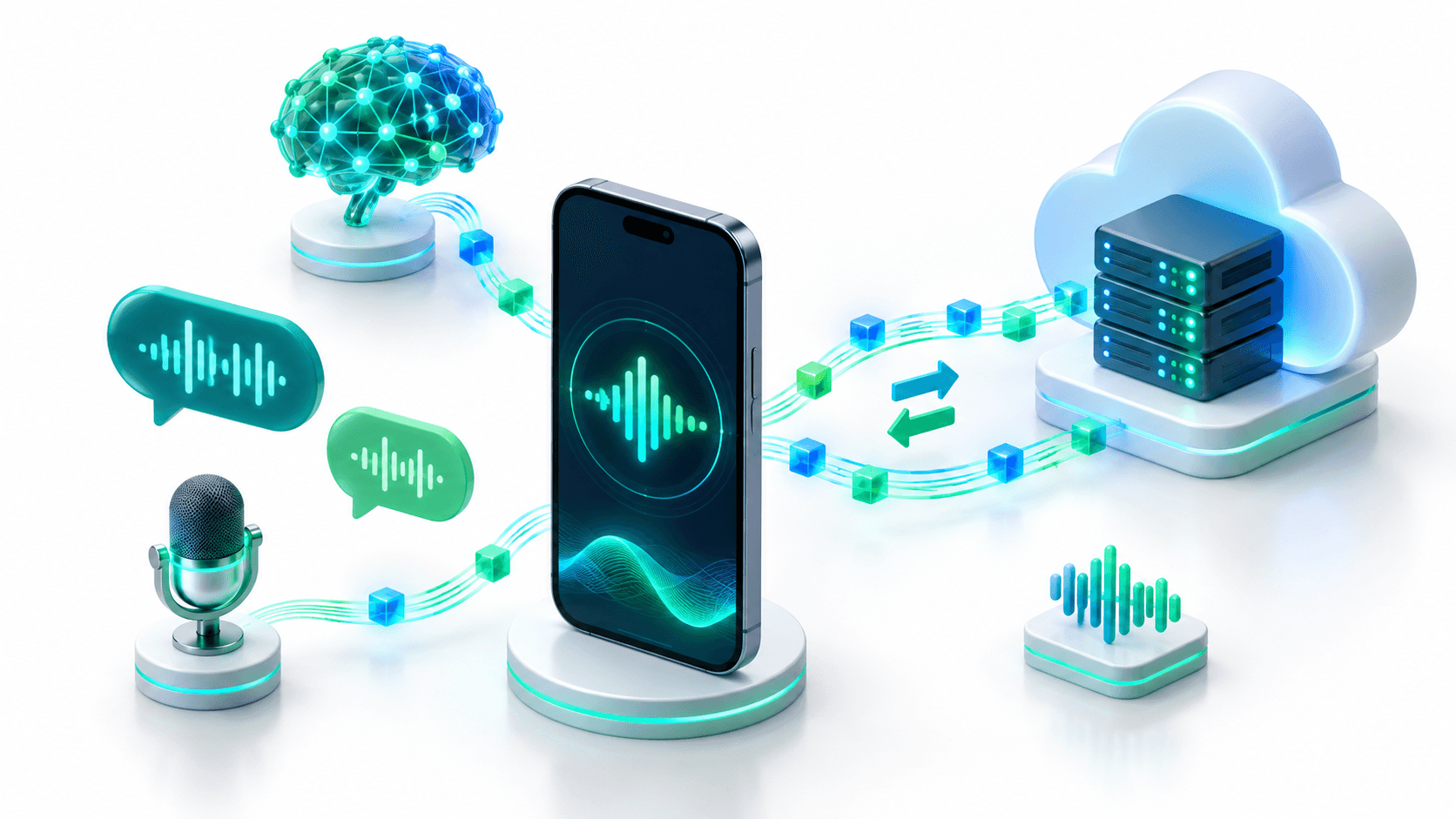
In this comprehensive guide, I will share the production architecture for building an ultra-low-latency voice AI assistant using Flutter on the mobile client, WebSockets for bidirectional duplex communication, and FastAPI for the asynchronous Python backend.
The Conversational Latency Budget
In human linguistics, the standard gap between conversational turns averages roughly 200 to 250 milliseconds. Once latency creeps past 500 milliseconds, users perceive hesitation. Beyond 800 milliseconds, users believe the connection is lost.
To achieve fluid conversation, our voice pipeline must fit within this strict latency budget:
| Pipeline Phase | Naive REST Approach | Modern Streaming WebSocket Pipeline |
|---|---|---|
| Audio Capture | Record full sentence to .wav (2500ms - 4000ms) | Stream 40ms raw PCM chunks continuously (40ms) |
| Network Transport | Upload audio file via HTTP POST (300ms - 600ms) | Persistent binary WebSocket frame (15ms - 35ms) |
| Speech-to-Text (STT) | Batch audio file transcription (800ms - 1200ms) | Streaming ASR with partial transcripts (100ms - 150ms) |
| LLM Inference | Wait for entire response text generation (1500ms) | First token streaming generation (120ms - 200ms) |
| Text-to-Speech (TTS) | Synthesize full paragraph to MP3 (1000ms) | Stream audio buffer on first clause boundary (100ms) |
| Client Playback | Download file and trigger media player (300ms) | Gapless chunk playback via audio buffer (20ms) |
| Total Turnaround | 6,400ms to 8,600ms (Unusable) | 395ms to 545ms (Human Grade) |
The naive approach of saving audio files on mobile storage, uploading them to an HTTP endpoint, waiting for a response, and downloading audio is fundamentally flawed for voice products. Production voice AI demands a continuous, streaming full-duplex pipeline.
System Architecture Overview
The system operates across three interconnected layers:
┌─────────────────────────────────────────────────────────────┐
│                     Flutter Mobile Client                   │
│  - 16kHz 16-bit PCM Audio Recorder (Streamed in 40ms chunks) │
│  - Client-side Voice Activity Detection (VAD)               │
│  - Gapless Audio Queue Player                               │
│  - Interruption (Barge-In) Signal Emitter                   │
└──────────────────────────────┬──────────────────────────────┘
                               │
                      WebSocket Duplex Stream
                               │
┌──────────────────────────────▼──────────────────────────────┐
│                    FastAPI Streaming Gateway                │
│  - Asynchronous Session Coordinator (asyncio.Queue)         │
│  - Inbound & Outbound Audio Frame Multiplexing             │
│  - Cancellation Token Manager                               │
└──────────────┬──────────────────────────────▲───────────────┘
               │                              │
               ▼                              │
┌──────────────────────────────┐┌─────────────┴───────────────┐
│     Streaming STT Engine     ││   Streaming Neural TTS      │
│  - Real-time speech-to-text  ││ - Fast sentence chunking    │
│  - Partial transcript events ││ - 24kHz PCM audio streamer  │
└──────────────┬───────────────┘└─────────────▲───────────────┘
               │                              │
               ▼                              │
┌─────────────────────────────────────────────┴───────────────┐
│                LLM & Vector RAG Layer (FastAPI)             │
│  - Agricultural Knowledge Graph / Vector DB (KisanDostAI)   │
│  - Agentic Tools & Structured Function Calling              │
│  - Token-by-token sentence boundary chunker                 │
└─────────────────────────────────────────────────────────────┘
Mobile Permissions and Audio Session Setup
Capturing continuous, low-latency audio on mobile devices requires explicit platform configuration. If the audio session is misconfigured, mobile operating systems will apply aggressive noise gates or route audio through the phone receiver rather than the loudspeaker.
Android Configuration (android/app/src/main/AndroidManifest.xml)
Add the following permissions to support recording and active audio routing:
<manifest xmlns:android="http://schemas.android.com/apk/res/android">
    <uses-permission android:name="android.permission.RECORD_AUDIO" />
    <uses-permission android:name="android.permission.INTERNET" />
    <uses-permission android:name="android.permission.MODIFY_AUDIO_SETTINGS" />
    <uses-permission android:name="android.permission.BLUETOOTH" />
    <uses-permission android:name="android.permission.BLUETOOTH_CONNECT" />
</manifest>
iOS Configuration (ios/Runner/Info.plist)
Apple requires justification strings for microphone access, as well as background audio mode declarations:
<key>NSMicrophoneUsageDescription</key>
<string>This app requires microphone access to enable real-time voice conversations with the AI assistant.</string>
<key>UIBackgroundModes</key>
<array>
    <string>audio</string>
</array>
FastAPI Backend: The Asynchronous Streaming Server
Let us construct the complete asynchronous WebSocket gateway in Python using FastAPI. We coordinate inbound audio, outbound speech chunks, and client interruptions using Python's asyncio.Queue and task cancellation.
import asyncio
import json
import logging
from typing import AsyncGenerator
from fastapi import FastAPI, WebSocket, WebSocketDisconnect

logging.basicConfig(level=logging.INFO)
logger = logging.getLogger("VoiceAssistant")

app = FastAPI(title="Real-Time Voice AI Gateway")

class VoiceSessionCoordinator:
    """Coordinates bidirectional audio streaming and handles interruptions."""

    def __init__(self, websocket: WebSocket):
        self.websocket = websocket
        self.audio_in_queue = asyncio.Queue()
        self.tts_out_queue = asyncio.Queue()
        self.current_generation_task: asyncio.Task | None = None
        self.is_active = True

    async def receive_from_client(self):
        """Listens for raw PCM audio frames and control events from Flutter."""
        try:
            while self.is_active:
                message = await self.websocket.receive()

                if "bytes" in message:
                    # Raw 16kHz 16-bit PCM audio frame (e.g. 1280 bytes = 40ms)
                    await self.audio_in_queue.put(message["bytes"])

                elif "text" in message:
                    payload = json.loads(message["text"])
                    event_type = payload.get("event")

                    if event_type == "client_interrupted":
                        logger.info("User interrupted assistant. Cancelling active synthesis.")
                        await self.handle_barge_in()

        except WebSocketDisconnect:
            logger.info("Client disconnected normally.")
            self.is_active = False
        except Exception as e:
            logger.error(f"Error reading client socket: {e}")
            self.is_active = False

    async def handle_barge_in(self):
        """Immediately aborts ongoing LLM token generation and flushes pending audio."""
        if self.current_generation_task and not self.current_generation_task.done():
            self.current_generation_task.cancel()

        # Flush outbound queue
        while not self.tts_out_queue.empty():
            try:
                self.tts_out_queue.get_nowait()
            except asyncio.QueueEmpty:
                break

        # Notify mobile client to kill local speaker playback instantly
        await self.websocket.send_text(json.dumps({"event": "clear_audio_buffer"}))

    async def send_to_client(self):
        """Streams synthesized speech chunks back to the Flutter client."""
        try:
            while self.is_active:
                audio_chunk = await self.tts_out_queue.get()
                if audio_chunk is None:
                    continue
                await self.websocket.send_bytes(audio_chunk)
                self.tts_out_queue.task_done()
        except Exception as e:
            logger.error(f"Error streaming audio to client: {e}")

    async def process_conversation_loop(self):
        """Simulates speech recognition, LLM reasoning, and streaming TTS."""
        while self.is_active:
            # Accumulate inbound audio frames until speech pauses
            pcm_chunk = await self.audio_in_queue.get()
            self.audio_in_queue.task_done()

            # In production, chunks are piped into streaming STT (Whisper/Deepgram)
            # When full utterance is detected, trigger LLM generation task:
            if self.audio_in_queue.empty():
                self.current_generation_task = asyncio.create_task(
                    self._generate_and_synthesize("User question placeholder")
                )
                try:
                    await self.current_generation_task
                except asyncio.CancelledError:
                    logger.info("Generation task cancelled during barge-in.")

    async def _generate_and_synthesize(self, user_prompt: str):
        """Streams LLM tokens into sentence clauses, then into TTS audio chunks."""
        # Split tokens into clause boundaries (commas, periods, question marks)
        # Yield synthesized audio chunks directly into self.tts_out_queue
        sample_audio_packet = b"\x00" * 1280  # 40ms PCM silence placeholder
        for _ in range(25):  # 1 second of audio
            await asyncio.sleep(0.04)
            await self.tts_out_queue.put(sample_audio_packet)

@app.websocket("/ws/voice")
async def voice_websocket_endpoint(websocket: WebSocket):
    await websocket.accept()
    coordinator = VoiceSessionCoordinator(websocket)

    # Run reader, writer, and processor tasks concurrently
    tasks = [
        asyncio.create_task(coordinator.receive_from_client()),
        asyncio.create_task(coordinator.send_to_client()),
        asyncio.create_task(coordinator.process_conversation_loop()),
    ]

    try:
        await asyncio.gather(*tasks)
    except Exception as e:
        logger.error(f"Session terminated: {e}")
    finally:
        for task in tasks:
            task.cancel()
Flutter Client: Low-Latency Audio Streaming
On the mobile client, we avoid writing audio files to device storage. Writing to disk introduces flash memory I/O latency and unnecessary wear. Instead, we pipe microphone buffers directly from memory to our WebSocket channel.
1. Inbound Microphone Streamer
We use record configured for raw linear 16-bit PCM at a 16,000 Hz sample rate:
import 'dart:async';
import 'dart:typed_data';
import 'package:record/record.dart';
import 'package:web_socket_channel/web_socket_channel.dart';

class VoiceStreamingService {
  final AudioRecorder _recorder = AudioRecorder();
  WebSocketChannel? _channel;
  StreamSubscription<Uint8List>? _micSubscription;

  Future<void> initializeAndConnect(String socketUrl) async {
    final hasPermission = await _recorder.hasPermission();
    if (!hasPermission) {
      throw Exception('Microphone permission denied by user.');
    }

    _channel = WebSocketChannel.connect(Uri.parse(socketUrl));

    // Configure 16kHz, mono, 16-bit PCM capture
    const recordConfig = RecordConfig(
      encoder: AudioEncoder.pcm16bits,
      sampleRate: 16000,
      numChannels: 1,
      bitRate: 256000,
    );

    final audioStream = await _recorder.startStream(recordConfig);

    _micSubscription = audioStream.listen(
      (Uint8List chunk) {
        if (_channel != null && chunk.isNotEmpty) {
          // Send raw audio chunk directly over WebSocket
          _channel!.sink.add(chunk);
        }
      },
      onError: (error) {
        print('Microphone capture error: $error');
      },
    );
  }

  void notifyInterruption() {
    // Send lightweight JSON control event
    _channel?.sink.add('{"event":"client_interrupted"}');
  }

  Future<void> dispose() async {
    await _micSubscription?.cancel();
    await _recorder.stop();
    await _recorder.dispose();
    await _channel?.sink.close();
  }
}
The Critical Problem: Interruption Handling (Barge-In)
The single biggest factor separating a production voice experience from an amateur voice bot is Barge-In support.
In human conversation, if a listener begins speaking while the speaker is talking, the speaker immediately pauses. In early prototypes of voice assistants, if the user asks: "What is the weather today?" and the assistant starts reciting an eight-day forecast, the user cannot say "Wait, just tell me today's temperature!" without waiting for the bot to finish talking.
In our production deployment of KisanDostAI, we solved this using a multi-stage interruption flow:
- Hardware Acoustic Echo Cancellation (AEC): On mobile handsets, ensure
mode: AVAudioSessionModeVoiceChat(iOS) andAudioRecordwithAcousticEchoCanceler(Android) are activated. This strips the assistant's own voice coming out of the loudspeaker from feeding back into the microphone. - Local Energy VAD: The Flutter app monitors microphone amplitude while speech is playing. If local amplitude exceeds ambient background noise for more than 80ms, the client flags a candidate interruption.
- Immediate Local Kill Switch: The Flutter audio playback buffer is instantly paused and cleared within 10 milliseconds.
- Backend Event Emission: The client fires
{"event":"client_interrupted"}over the WebSocket. - Asynchronous Server Eviction: The FastAPI coordinator cancels the active LLM generation task, dumps the outbound TTS queue, and transitions the session state back to listening.
Production Reliability and Troubleshooting
When deploying real-time voice architectures across international markets (US, UK, Saudi Arabia, Oman), engineering teams must prepare for real-world failure states:
| Failure Mode | Root Cause | Engineering Solution |
|---|---|---|
| Audio Stutter / Choppiness | Flutter client playing chunks with zero buffer jitter margin | Implement a 60ms jitter buffer: wait for two chunks before beginning playback. |
| Acoustic Feedback Loop | Phone speaker sound leaking into microphone stream | Enforce native voice communication modes (AVAudioSessionModeVoiceChat). |
| Cellular Network Handoff | User walks between WiFi and 5G, dropping TCP socket | Implement automatic WebSocket reconnect with session token persistence. |
| Silent Audio Drops | Android aggressive battery optimization killing background recorder | Wrap audio capture in an Android Foreground Service with continuous notification. |
| High GPU / API Bills | Users leaving voice session connected while phone is idle | Add 45-second silence timeout on the FastAPI server to auto-close dormant sockets. |
Real-World Lessons: From Ava Voice Assistant to KisanDostAI
Looking back at the progression from my early open-source project Ava Voice Assistant to enterprise-scale systems like KisanDostAI, three lessons stand out:
- Text Chunking Dictates Speed: Do not wait for the LLM to generate an entire paragraph before calling Text-to-Speech. Use regex sentence boundaries (
.,?,!,,) to chunk tokens. The moment the first 5 words are generated, send them to TTS immediately. While the first sentence plays on the phone, the LLM generates the second sentence concurrently. - Bandwidth Matters: In developing regions or agricultural zones where farmers rely on 3G networks, sending uncompressed PCM audio can saturate uplink channels. In bandwidth-constrained production, transcode 16kHz PCM to Opus on the mobile device using native C bindings (
flutter_opus). - Grounding Prevents Hallucinations: When users speak to an assistant, they assume factual accuracy. In KisanDostAI, coupling our voice streaming server with an asynchronous vector search pipeline ensured that agricultural diagnoses were verified against official databases before reaching the farmer's ears.
Conclusion
Real-time conversational voice AI is fundamentally a systems engineering challenge. By pairing Flutter for hardware audio control with FastAPI and WebSockets for asynchronous event coordination, you eliminate the latency bottlenecks of traditional web architectures and achieve conversational responses in under 450 milliseconds.
Whether you are building specialized healthcare assistants, rural farmer guidance platforms like KisanDostAI, or customer service voice agents for global enterprises, the principles remain the same: stream every byte, prioritize barge-in interruptions, and keep the latency budget front and center.
Ready to build a real-time Voice AI system or mobile product? I architect and deliver complete production software from responsive Flutter mobile apps to high-concurrency FastAPI backends and streaming AI workflows. Book a meeting to discuss your product architecture.
Interested in working together?
Let's discuss your project and explore how I can help bring it to life.