Introduction
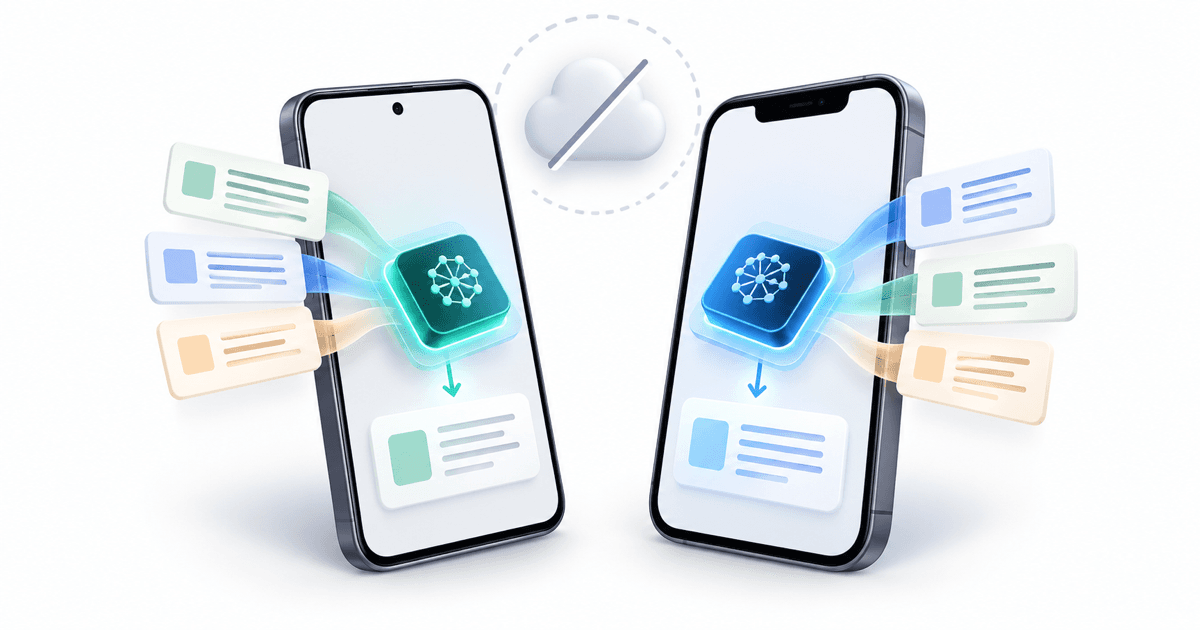
You can add an AI feature to a Flutter app without sending every note, photo, or message to a server. The practical approach is to keep the Flutter interface shared and call each operating system's on-device model through a small native bridge. This guide shows how to plan a note summarizer that works when the model is ready, explains when it is not, and never silently uploads a note as a fallback.
This is for Flutter developers who can edit the Android and iOS host projects. It assumes an existing Flutter app, short user-owned notes, an eligible test device for each platform, and current native tooling. The Dart channel contract below is small enough to test independently; the native model calls follow Google's and Apple's documentation checked in November 2026. I cannot run either model on an eligible phone in this repository, so treat the native snippets as integration starting points and complete the device matrix before publishing an app.
My on-device versus cloud AI comparison helps choose an architecture. This article takes the next step: a narrow feature with a concrete Flutter-to-native boundary.
Pick One Task the Local Model Can Do Well
A note summarizer is a good pilot because the input and expected output are easy to inspect. Ask for two short bullets from a note the user has already opened. Preserve the original note and let the user reject or edit the summary.
Avoid promising that a local model can answer questions requiring current web data or make consequential decisions. Apple's Foundation Models guidance lists summarization and text refinement as suitable tasks, while calling out limits on basic math, code generation, and some reasoning. Android's Gemini Nano documentation describes locally processed text tasks through ML Kit GenAI.
For a longer English note, first evaluate Google's task-specific Summarization API. It produces one to three bullets, but its article input must exceed 400 characters and its documented languages are English, Japanese, and Korean. That makes it a poor fit for short or Urdu/Arabic notes. The Prompt API below allows a custom instruction or output shape, but adds prompt and quality-testing work, and language support still varies by device. Define success before writing the bridge: a readable summary, a visible unavailable state, no text sent to your backend, and no loss of the original note.
Check Model Availability Before Showing the Action
The platform label alone does not tell you whether a specific phone can run the feature.
| Platform | Native API | Gate the UI on | What to show when unavailable |
|---|---|---|---|
| Android | ML Kit GenAI Prompt API backed by AICore | Supported device, model status, download readiness | Keep the note readable; explain that local summarization is unavailable |
| iPhone | Foundation Models framework | Supported OS and device, Apple Intelligence enabled, model ready | Keep the note readable; offer manual editing instead |
Google's Prompt API setup guide distinguishes UNAVAILABLE, DOWNLOADABLE, DOWNLOADING, and AVAILABLE. Android API level 26 is a minimum for the library, not proof that the phone has a supported Gemini Nano model. If the model is downloadable, ask before the download and show progress. Apple says to check SystemLanguageModel.default.availability or isAvailable and account for a model that is still becoming ready. Neither platform guarantees availability on every device running a recent OS.
Do not turn an unavailable local model into an unannounced cloud request. If you later add an online fallback, make that a separate, explicit user choice with its own privacy explanation.
Keep Flutter Responsible for the User Experience
Use one narrow channel such as com.example.notes/local_ai. Flutter passes a short note and receives a summary or a typed error. The native side owns model status and inference. Flutter owns loading, cancellation when leaving the screen, and the visible fallback. Return distinct status values so the interface can tell a downloadable Android model from an unsupported one:
import 'package:flutter/services.dart';

enum LocalModelStatus { ready, downloadable, preparing, unavailable }

class LocalNoteSummarizer {
  static const _channel = MethodChannel('com.example.notes/local_ai');

  Future<LocalModelStatus> status() async {
    final value = await _channel.invokeMethod<String>('status');
    return switch (value) {
      'ready' => LocalModelStatus.ready,
      'downloadable' => LocalModelStatus.downloadable,
      'preparing' => LocalModelStatus.preparing,
      _ => LocalModelStatus.unavailable,
    };
  }

  Future<String?> summarize(String note) async {
    final input = note.trim();
    if (input.isEmpty) return null;
    if (await status() != LocalModelStatus.ready) return null;

    try {
      final result = await _channel.invokeMethod<String>(
        'summarize',
        {'note': input},
      );
      return result?.trim().isNotEmpty == true ? result!.trim() : null;
    } on PlatformException catch (error) {
      if (error.code == 'model_unavailable') return null;
      rethrow;
    }
  }
}
The host implementation must use these exact method, status, and error names. On Android, map FeatureStatus.AVAILABLE to ready, DOWNLOADABLE to downloadable, DOWNLOADING to preparing, and UNAVAILABLE to unavailable. Give downloadable a separate, user-initiated download action; use a progress stream or event channel to update the UI. Apple's .unavailable(.modelNotReady) can map to preparing for a waiting message, while an ineligible device maps to unavailable. Limit input length before crossing the channel, avoid logging note contents, and guard against tapping the button twice. A null result means the UI should offer another way to finish the task, not display a blank "AI summary."
Flutter's platform-channel documentation explains the Dart, Kotlin, and Swift bridge. The Flutter/Kotlin platform-channel guide goes deeper on the host-project setup.
Android: Call Gemini Nano Only When It Is Ready
Add the current ML Kit Prompt API dependency to the Android host project using the version in Google's official setup page. Do not copy a dependency version from an old blog post: these APIs and supported-device lists can change.
The core native sequence is small. Run it from a coroutine, not as blocking work on Flutter's UI thread:
val model = Generation.getClient()
try {
    when (model.checkStatus()) {
        FeatureStatus.AVAILABLE -> {
            val response = model.generateContent(
                "Summarize this note in two short bullets. " +
                "Do not add facts. Note: " + note
            )
            val summary = response.candidates.firstOrNull()?.text?.trim()
            // Return summary, or a typed empty-result error, to Flutter.
        }
        FeatureStatus.DOWNLOADABLE,
        FeatureStatus.DOWNLOADING,
        FeatureStatus.UNAVAILABLE -> {
            // Return model_unavailable with an appropriate UI state.
        }
    }
} finally {
    model.close()
}
This is the inference branch, not a complete MainActivity or download flow. The status branch should distinguish a model that can be downloaded from a device that cannot run it. Google's direct model access documentation marks the API as beta. Its setup page also documents a context window under 4,000 tokens and per-app inference quotas. Check prompt plus note length before submitting work, and handle quota or model-setup errors without repeatedly retrying on every frame. Test those states on real hardware rather than assuming the first successful request covers them.
iPhone: Use the System Model with a Visible Fallback
The iOS host checks availability before creating a session. Apple's Foundation Models documentation demonstrates the same sequence:
import FoundationModels

func summarizeLocalNote(_ note: String) async throws -> String? {
    guard SystemLanguageModel.default.isAvailable else { return nil }

    let session = LanguageModelSession(
        instructions: "Summarize the user's note in two short bullets. " +
                      "Do not invent details."
    )
    let response = try await session.respond(to: note)
    return response.content.trimmingCharacters(in: .whitespacesAndNewlines)
}
Connect this function to the iOS FlutterMethodChannel handler and return exactly one success or error result for each call. A new session per independent note keeps unrelated notes out of the same conversation context. If you reuse sessions for follow-up questions, manage their context window and retention deliberately.
Apple's model availability depends on the user's device, region, settings, and model readiness. "Runs on iPhone" is too broad a product claim; test the exact supported devices and OS versions you intend to serve.
Verify Privacy, Quality, and Failure Behavior
The model may run locally while your app still sends data elsewhere through analytics, crash logs, backups, or an optional cloud fallback. Inspect those paths separately before calling the feature private. For a local-only note summarizer, disable prompt and response capture in telemetry, and tell users if the note is backed up by the device's normal backup system.
Use a small evaluation set of notes you can publish or fabricate for testing: a short list, a messy paragraph, mixed Arabic and English, names and dates, an empty note, and a note longer than the model can accept. Record whether important details were omitted or invented. Do not advertise Arabic or Urdu support because a prompt worked once in English. Apple's supported-languages API and Google's ML Kit GenAI overview both make language support dependent on the available model and device configuration. Check support on each target device, then test representative real inputs with a fluent reviewer. The Flutter testing guide covers the UI and integration layers you can automate even when a model response itself is variable.
| Failure | Expected behavior |
|---|---|
| Model unsupported | Summarize control is disabled or explains why it cannot run |
| Model downloadable | App asks before downloading and shows progress |
| App goes offline | Ready local model still works; unavailable model stays unavailable |
| Request exceeds limits | App asks the user to shorten the note instead of truncating silently |
| Language or script unsupported | App explains the limitation rather than presenting an unreliable summary |
| Inference quota reached | App stops automatic retries and preserves a manual path |
| User leaves screen | Result is ignored or cancelled safely; original note stays intact |
| Summary invents a fact | User can inspect and reject it; no automatic downstream action |
Measure latency and battery use on low- and high-end supported devices, with input lengths recorded. Do not publish one device's response time as a universal benchmark.
Conclusion
An offline AI feature in Flutter is a shared interface over two native model services. Start with one verifiable task, check readiness and language support on each device, keep the original data safe, and make unavailable states part of the design. Prefer a dedicated task API when it fits, and reserve direct prompting for behavior that needs it. The feature should remain useful even when the AI cannot run.
Planning a privacy-conscious AI feature for your mobile app? I help teams choose the right local and cloud boundaries, build the Flutter-to-native integration, and test the experience on real devices. Book a meeting to review your idea.
See the project work
Explore the decisions, scope, and validation behind selected mobile and AI projects.
Explore case studies